New Improvements for More Powerful Dynamic Pages and Collections

We’re always working to find ways to make Dynamic Pages more powerful and flexible. Dynamic Pages allow you to easily generate multiple pages with the same structure and design, but with different content on each page. This is a great solution for pages like:
- Product catalog pages
- Real estate listings
- Recipe pages
- Team pages
And at the heart of Dynamic Pages are Collections. Collections allow you to organize all of the data that populates your Dynamic Page content. We’re excited to announce several improvements to Internal Collections that will make it easier to manage your Dynamic Page content.
Let’s dig in!

Link to Dynamic Pages
Link pickers now allow you to choose Dynamic pages for link destinations. This means that any content on your site can be linked to a Dynamic page – even navigation menu items. When choosing a Dynamic page layout as a link destination, you can further specify which Collection you’d like to connect to, using the Item dropdown.
This update helps to make Dynamic pages feel more thoroughly integrated into your site, even though they don’t count against your page count.

Show or Hide Collection Rows
You may now show or hide one or more Internal Collection rows with just one click. This gives you the ability to easily control the visibility of certain Dynamic pages on your site.
Previously, rows could only be deleted. By hiding a Collection row, you can choose to hide Dynamic pages temporarily – which is a useful thing. For example, if you’ve built a client site that displays real estate listings and one of the listings has gone under contract, you can hide that listing page to keep it from displaying on the site any longer. But if the property goes back on the market, you can simply set that Collection row’s visibility back to Show, enabling the page on the site again.

Duplicate, Rearrange and Drag & Drop
While the improvements above open up exciting opportunities for expanding what’s possible in your site, our next improvement is actually a full set of helpful updates that makes working with Internal Collections much easier, and just feel more natural.
You can now:
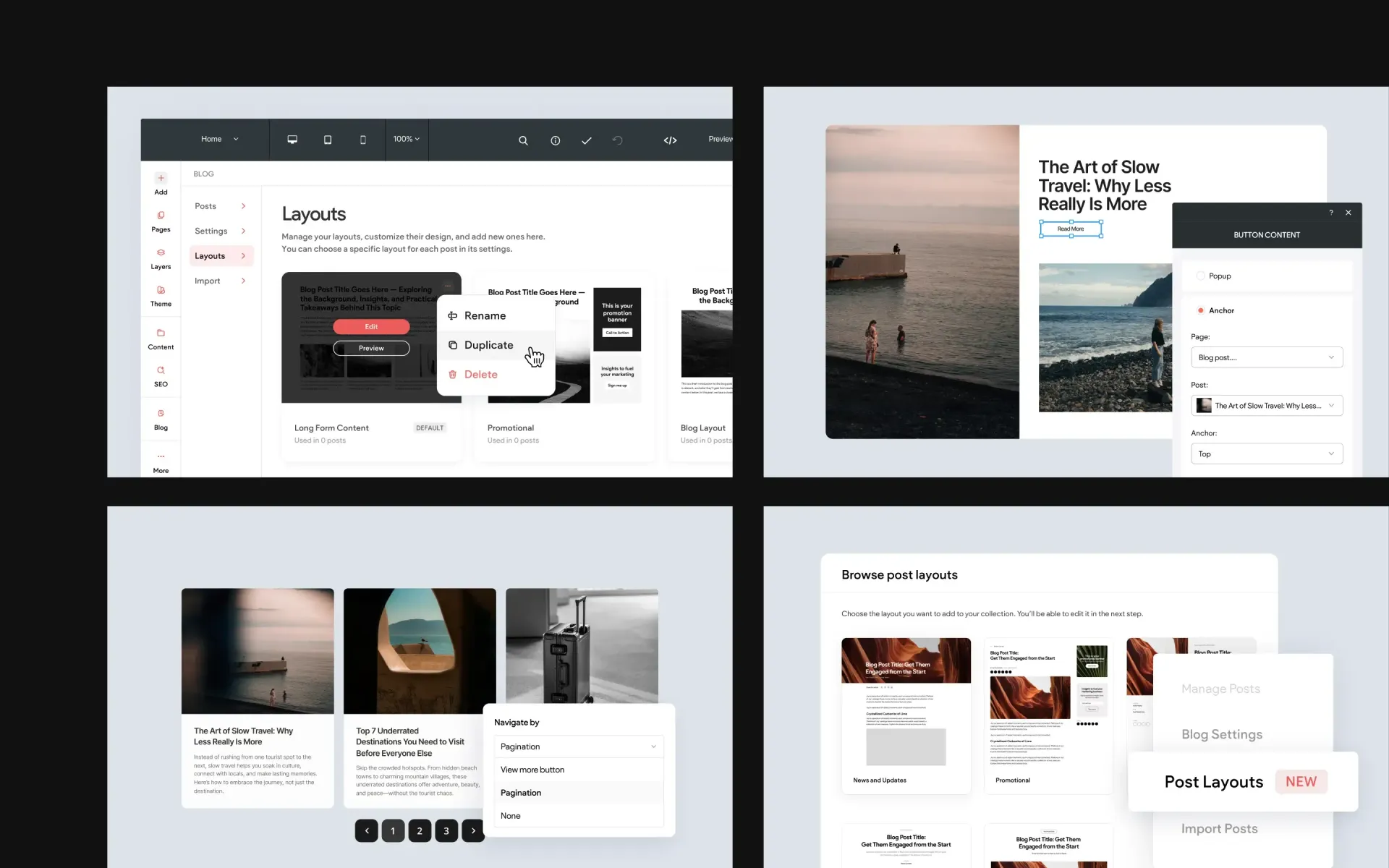
- Duplicate entire Collections
- Drag & drop columns to reorder them
- Duplicate rows
In a world where we may use spreadsheet-style tables on multiple platforms such as Excel, Google Sheets and Airtable, we certainly appreciate features and behaviors that are common to all of these services. And with the latest improvements, we think you should feel more comfortable working in Collections than ever!

Feature Focus: Duplicating Collections
Even though we already mentioned duplicating entire Collections in the section above, it's worth taking a moment to illustrate just how powerful this improvement can actually be.
Keep in mind that a Collection can represent all of the content for an entire page. And by duplicating a collection, you can essentially generate a new page worth of content with just one click! For example, if you've built a client site for a school with different sport pages that display wins, losses and scores, you can generate content for entirely new sport pages by duplicating Collections. To do this, we can take an existing collection – let's say Football – and duplicate the Collection and simply change the name to Basketball. Repeat this process and change the name to Baseball. You get the idea.
By duplicating entire Collections, it's easy to generate full dynamic page content on the fly.
More from Without Code