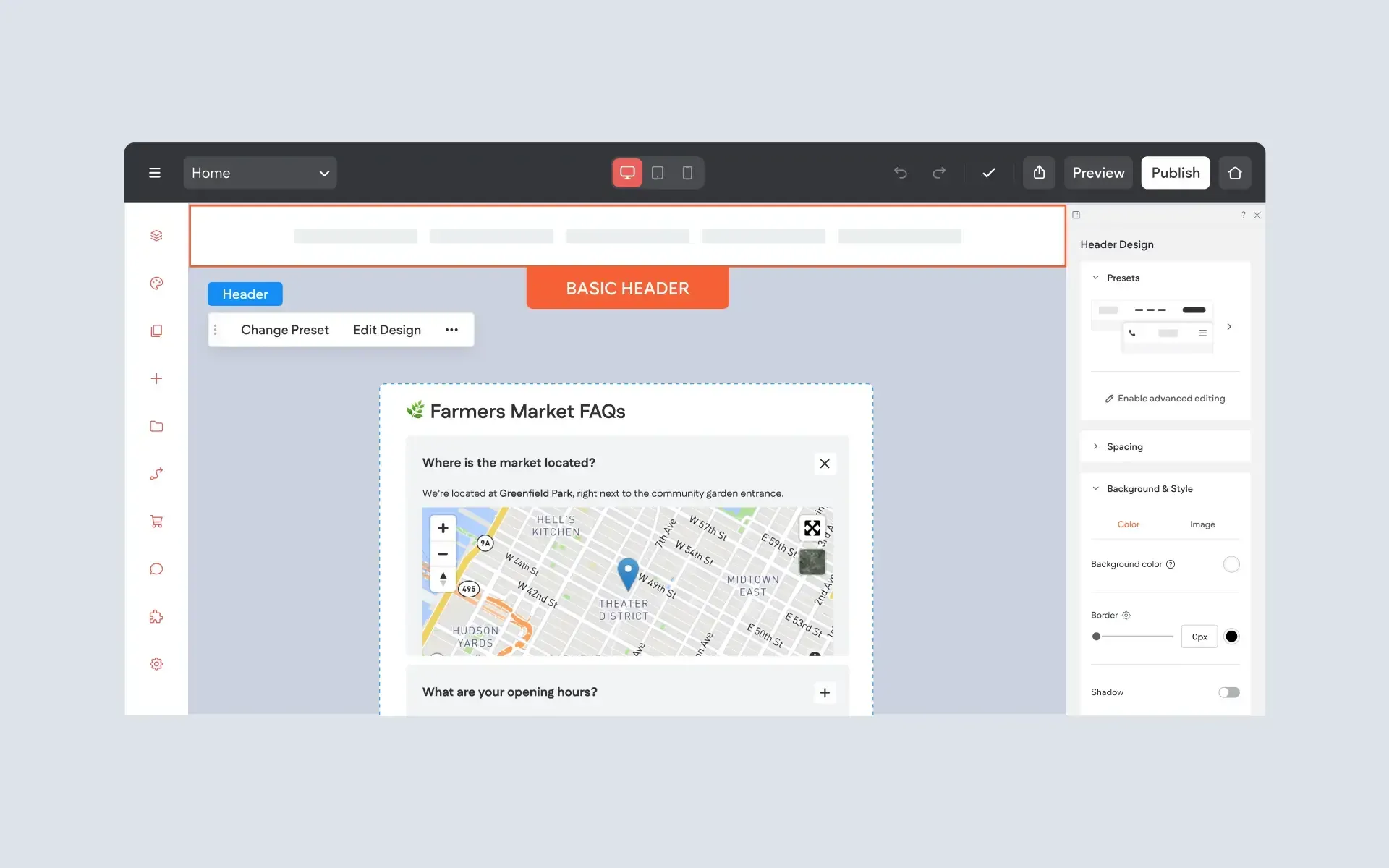
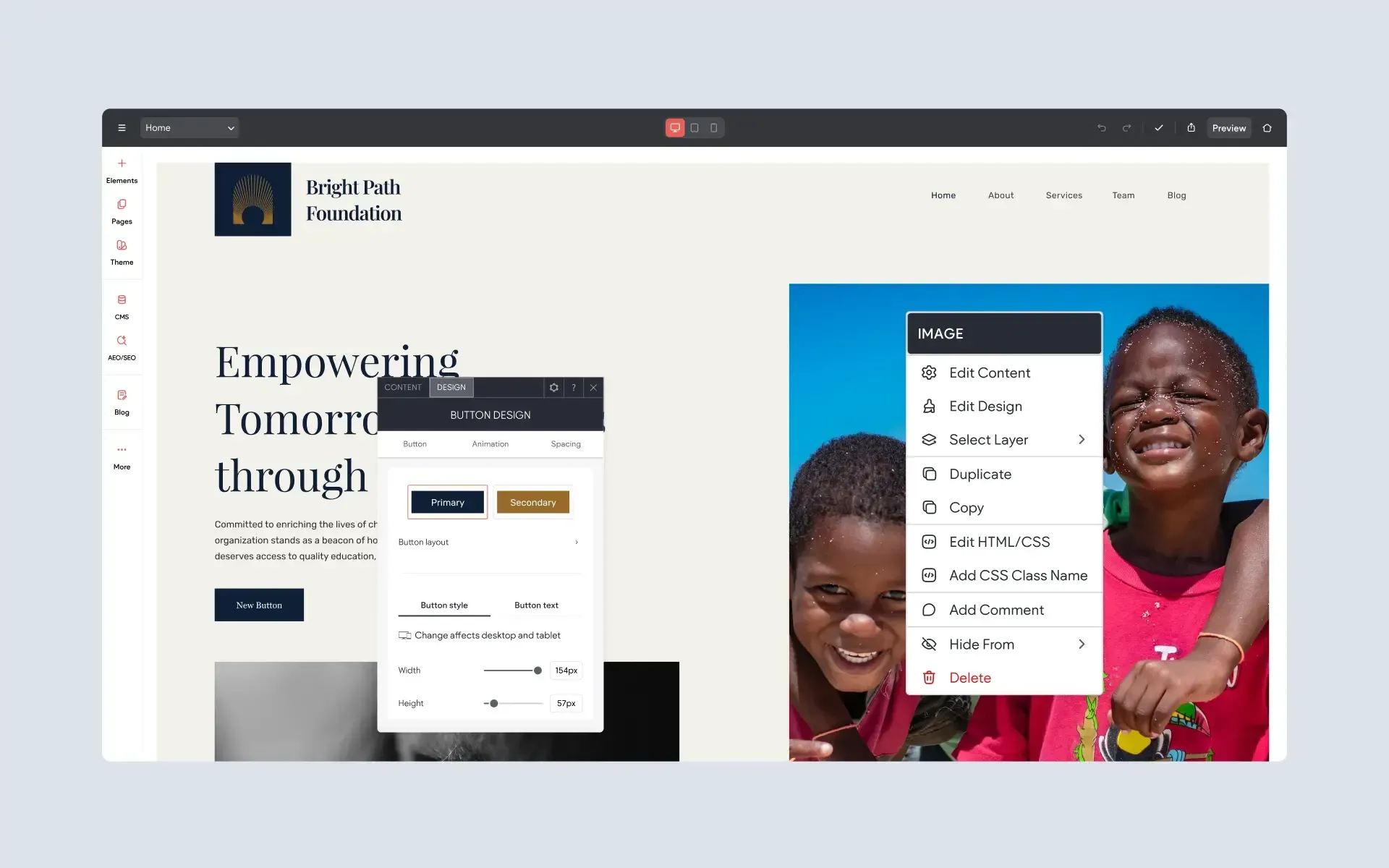
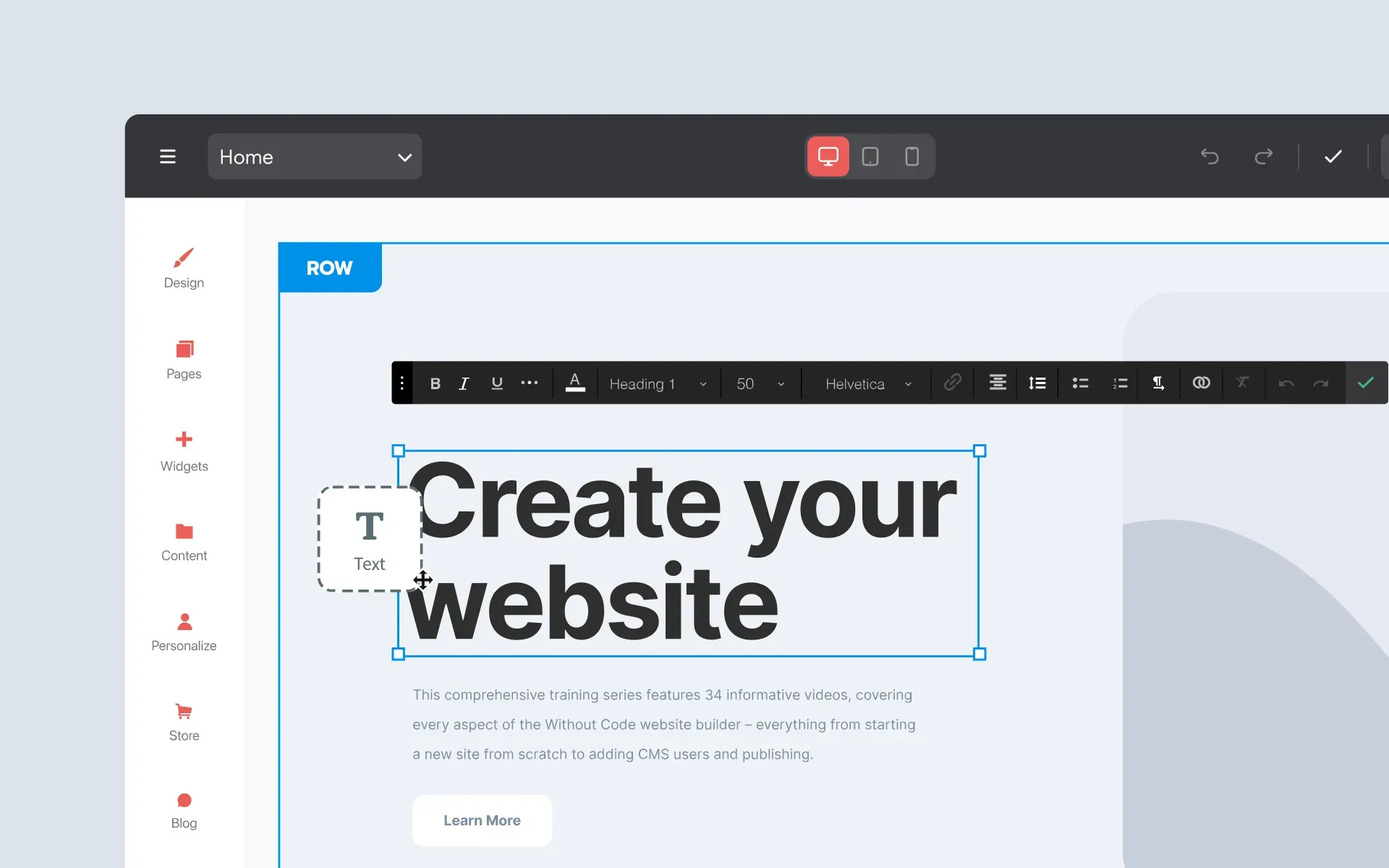
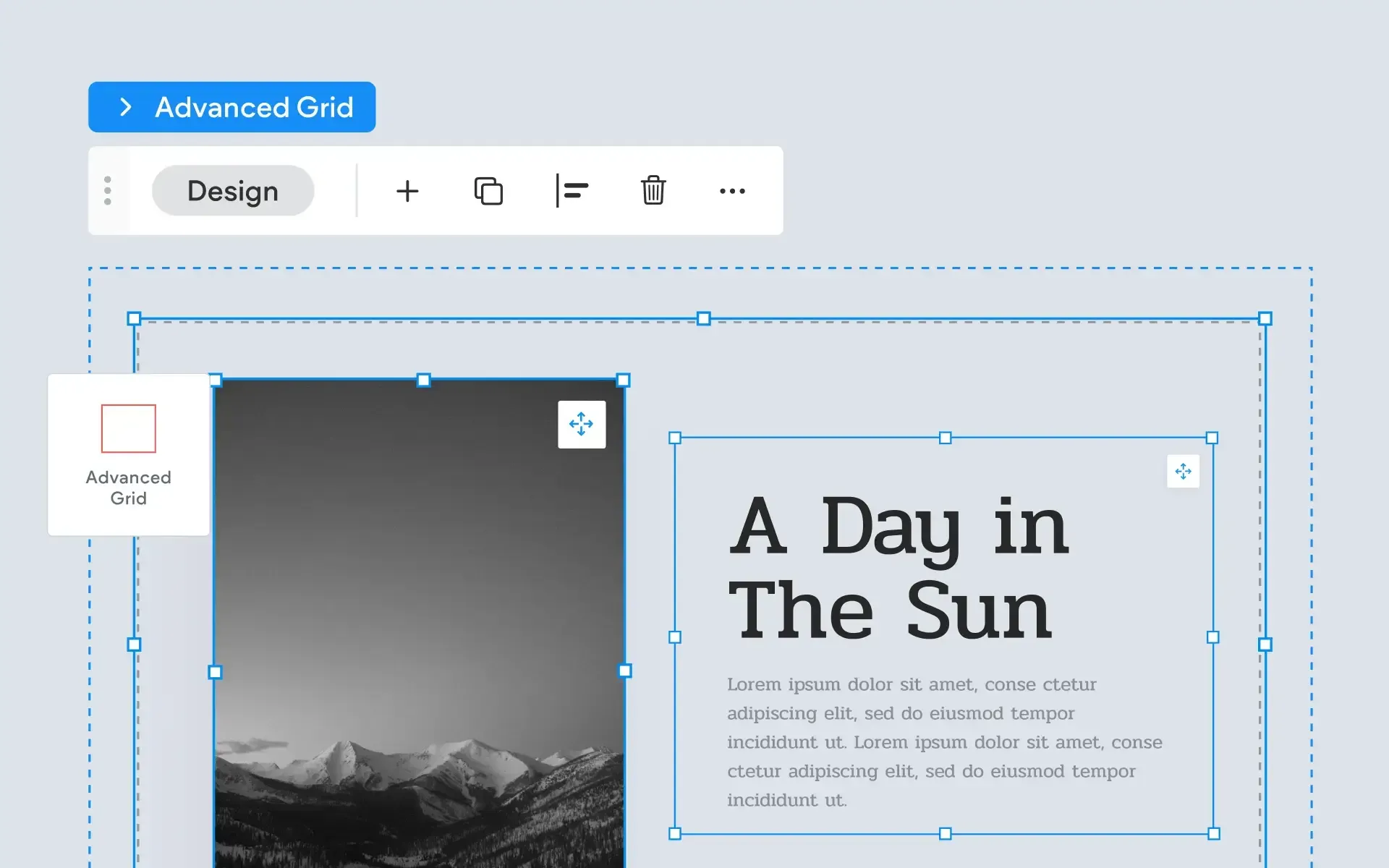
Professionally recorded tutorials that teach you how to build your website fast and easy. Looking for unbranded tutorials? Check out ourWhite Label Resources.
Start Here
Editor 2.0 Complete A–Z Training
Master Editor 2.0 with this complete 32-video training series from Without Code. Follow along from start to finish as we explore the editor, responsive design, Flex layouts, site styling, widgets, pages, navigation, and the essential tools you need to build professional websites.
Get comfortable with Editor 2.0 in this short introductory series. Learn the essential tools, layout concepts, and editing features you need to start building responsive websites with confidence.
This 12-part video series is the perfect starting point for new users. Learn about key features of Without Code, and explore strategies to ensure a fast and beautiful website build.
This comprehensive training series features 34 informative videos, covering every aspect of the Without Code website builder – everything from starting a new site from scratch to adding CMS users and publishing. If you're looking to master the Without Code website builder, you've come to the right place!
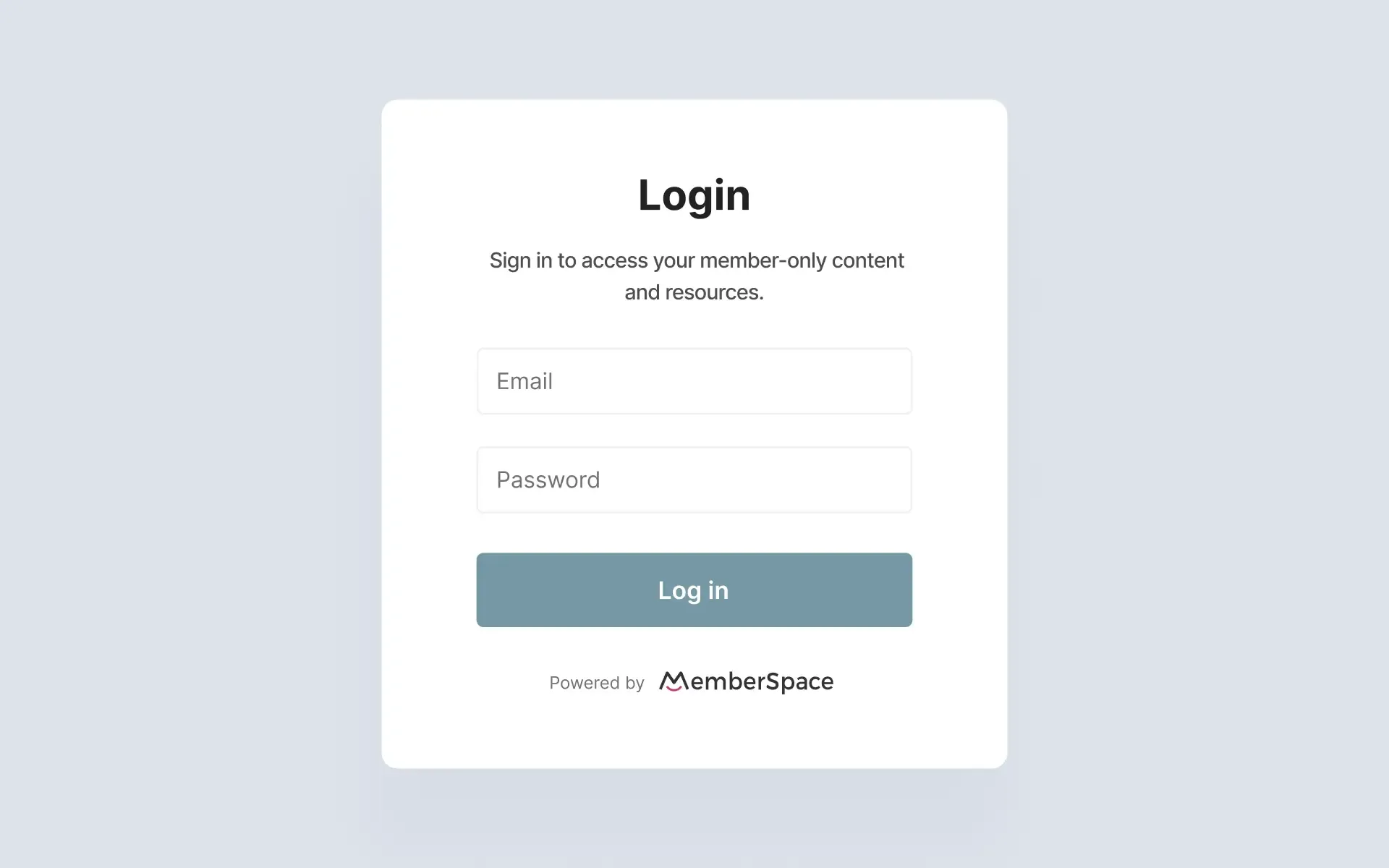
Learn how to create a membership website in the Without Code builder using the MemberSpace widget. This training covers the setup and tools you need to add gated content and create a members-only experience.
Learn how to use Flex sections within the Classic Editor to create more advanced, responsive layouts. Explore essential tools for controlling structure, alignment, spacing, and design across different screen sizes.
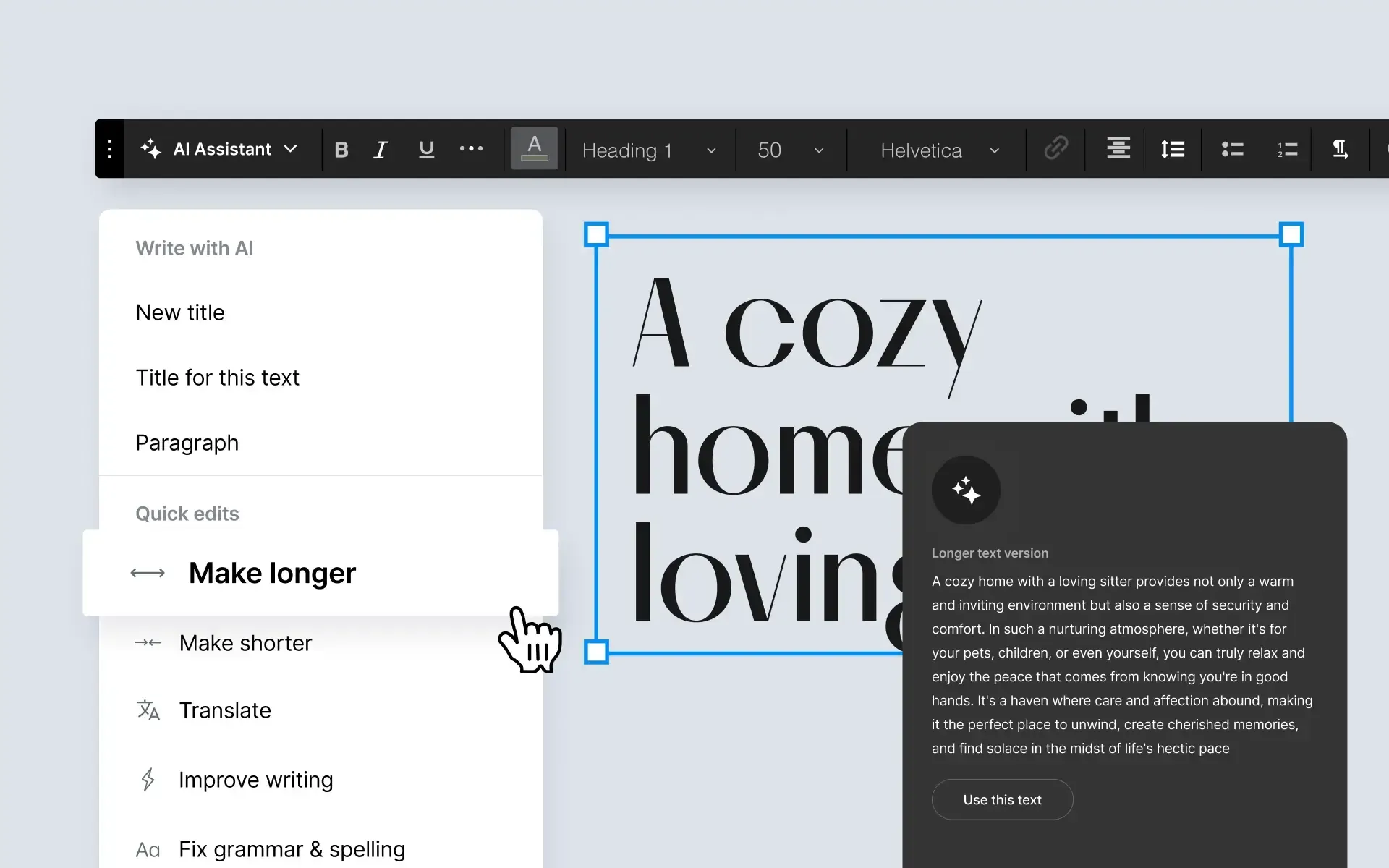
Discover how the AI Assistant can make website building faster, easier, and more efficient. Learn how to use AI-powered tools to streamline common tasks, generate content, and enhance your workflow inside the builder.
Dynamic Pages - Building Large Data-Driven Websites
6 Videos
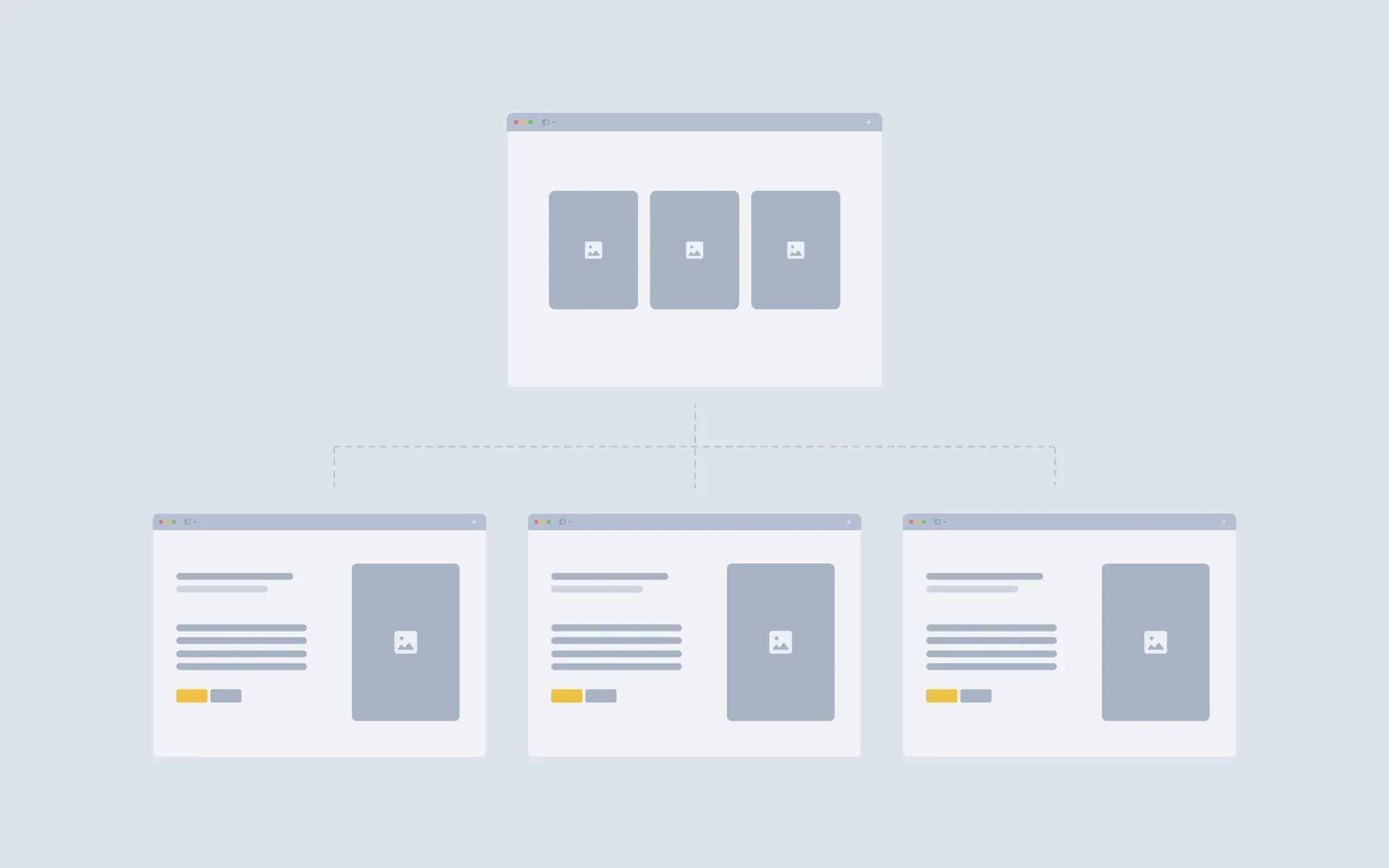
Dynamic pages allow you to display numerous pages on your site, all based on a single page design you only need to build once. The content on the pages is generated from 3rd party datasets like Google Sheets, Airtable, or your own database.
Learn how to create a membership website in the Without Code builder using the MemberSpace widget. This training covers the setup and tools you need to add gated content and create a members-only experience.
Learn how we transitioned a real business website from Shopify to Without Code in order to expand our design flexibility. Explore the reasons for this decision, as well as how we used simple embedded Shopify buy buttons to retain the checkout and download functionality for this site.
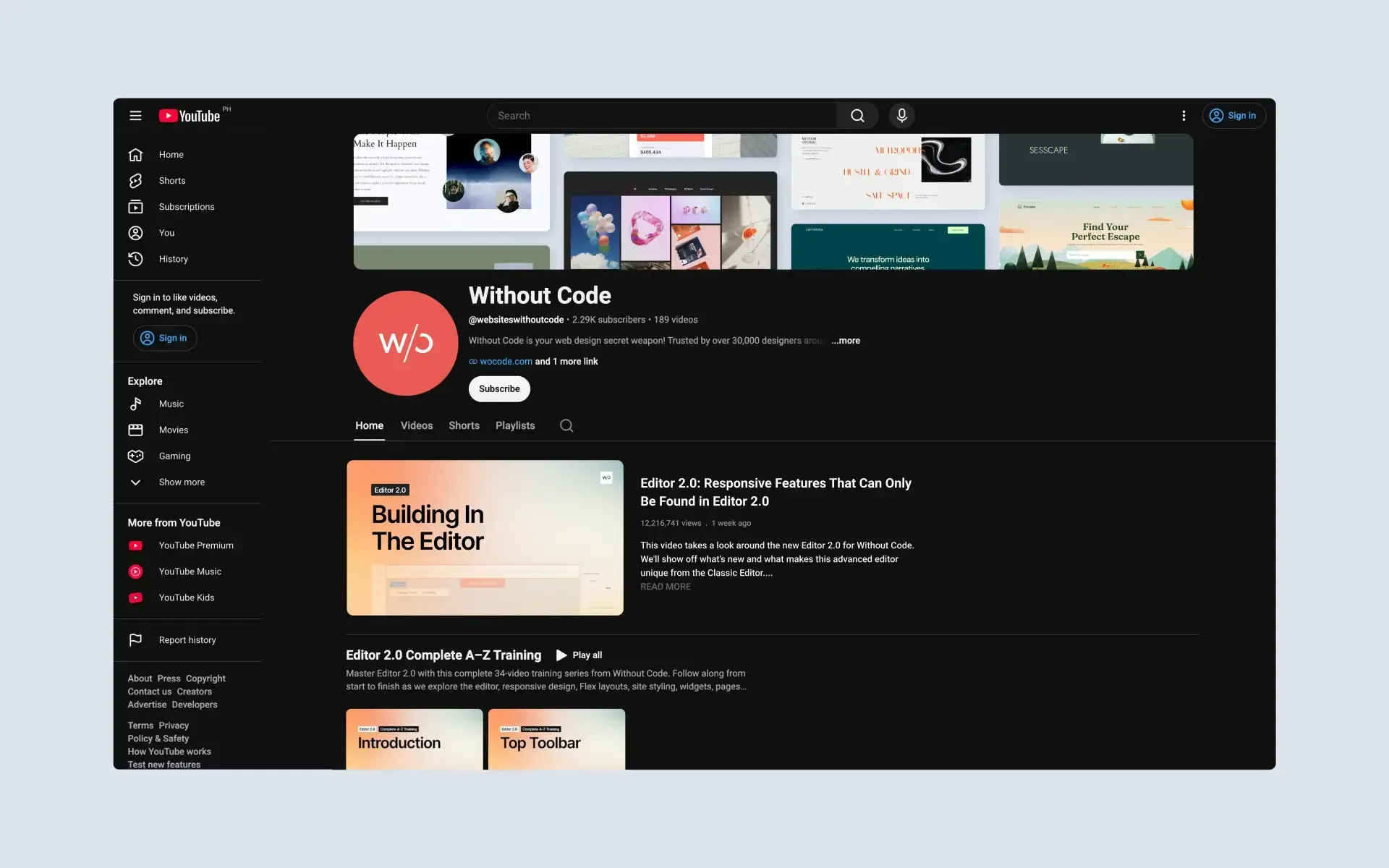
The Without Code YouTube Channel is a comprehensive resource for all of our tutorial videos.Updated weekly, the channel includes widget and theme-specific tutorials, builder updates, training, and more.