6 Ways to Do More Without Leaving the Editor, From AI Images to Smarter Connected Data
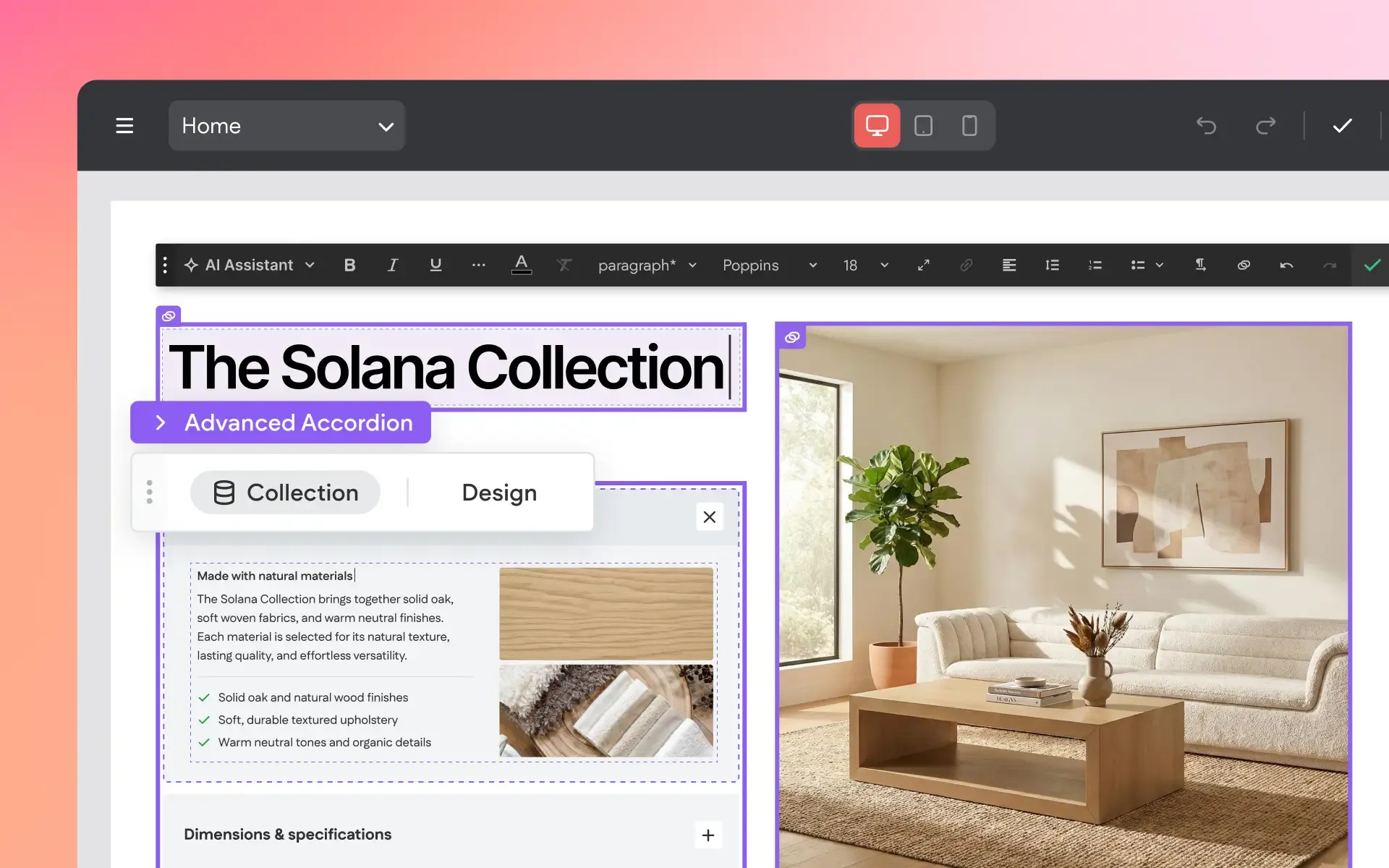
We’ve rolled out a new group of updates across the Without Code platform, with a common focus on helping you do more from the place you’re already working – with fewer steps and less jumping between tools, panels, and content sources.
You can now generate AI images directly in the editor, build out Site Text from multiple files and URLs without restarting the import process, and take advantage of new Site Personalization options. For sites using connected data, there are also major improvements to Collections, new data connections for Advanced Tabs and Accordions, and the ability to edit connected content directly on the canvas.
More Powerful Internal Collections
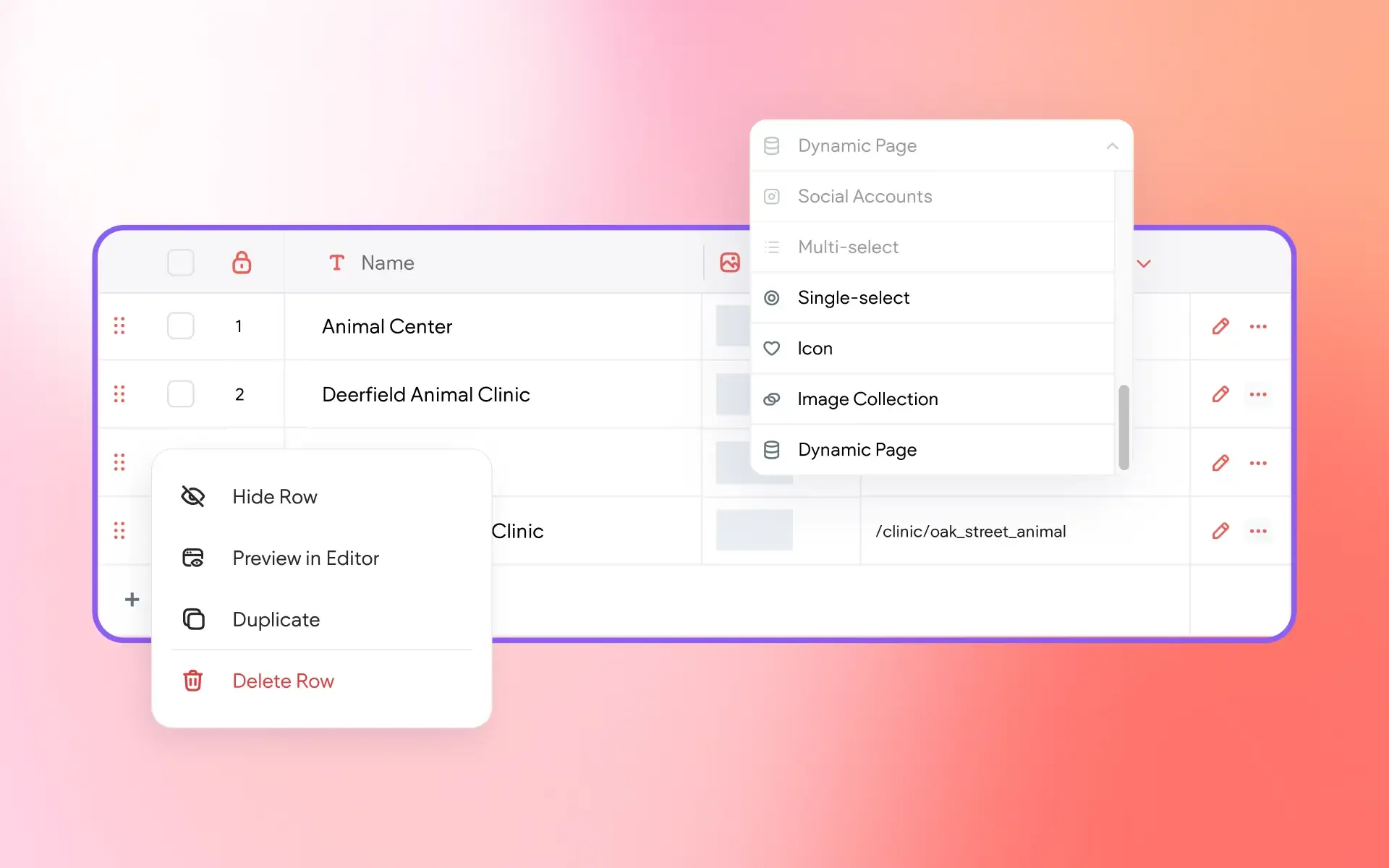
Internal Collections have received a substantial usability update, making it easier to work with larger datasets and manage connected content directly from the collection table.
You can now:
- Search for specific rows
- Sort data by any column
- Filter collection data
- Quickly add new rows with an always-available Add Row button
- Preview pages connected to individual collection rows
- Work with up to 1,000 rows and 150 fields per collection
There are also several new field options, including
Icons,
Single Select,
Dynamic Pages, and
Page Anchors within Link fields. Row actions have also been reorganized to simplify the table interface, while frequently used controls such as Edit and Show/Hide remain readily accessible.
This feature is available when using Editor 2.0.
To Use:
Open any Internal Collection to access the updated table tools and new field types.
Connect Advanced Tabs and Accordions to Collections
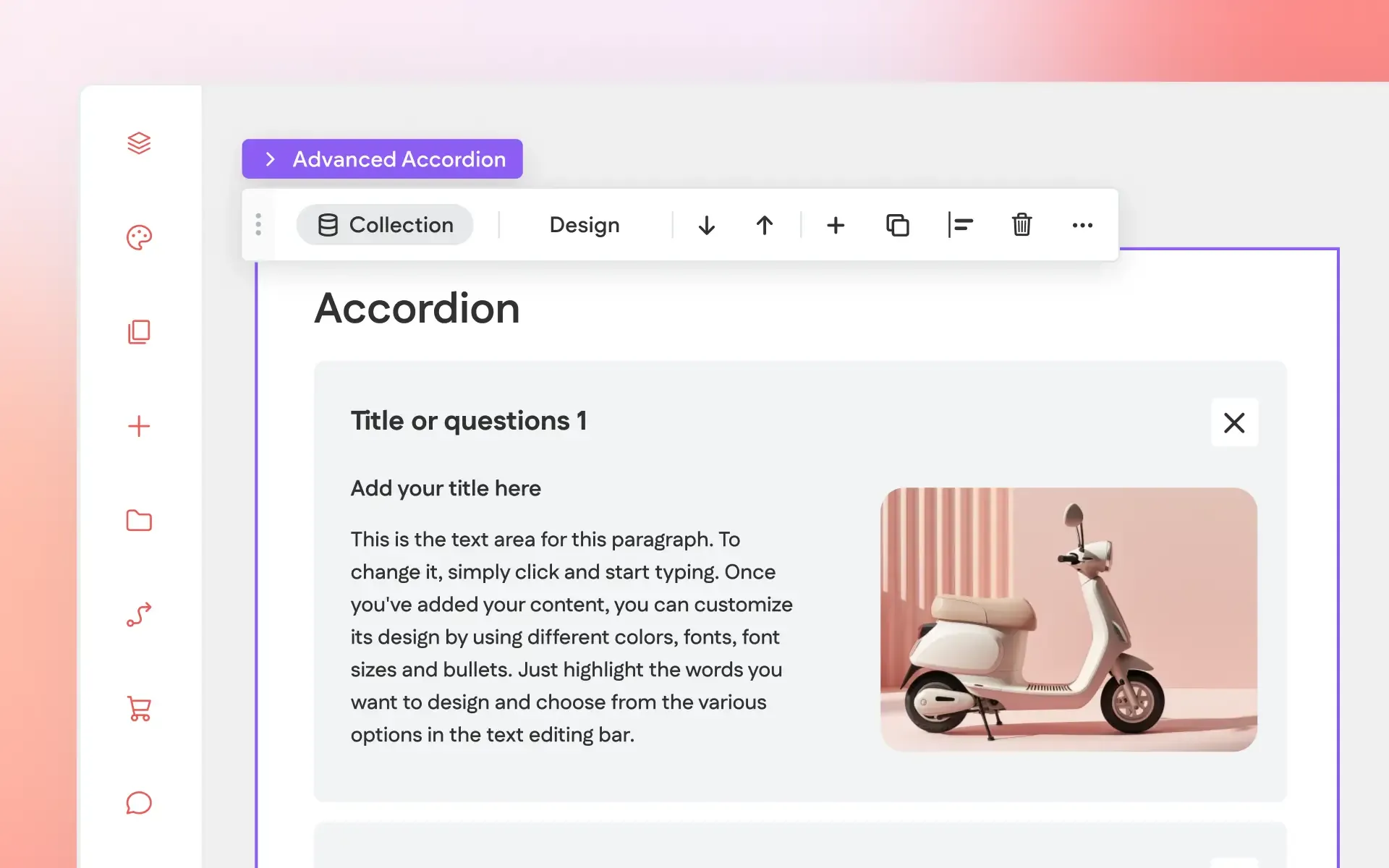
Advanced Tabs and Advanced Accordion widgets can now connect directly to a collection. Once connected, tabs or accordion items are generated automatically from collection rows rather than being created and maintained individually.
The item names can be connected to collection fields, along with the elements contained inside each item. All generated items share a master layout — the leftmost tab for Advanced Tabs or the first item for Advanced Accordion — making it possible to design the layout once and manage the content centrally through the collection.
This can be especially useful for structured content such as FAQs, services, pricing plans, product features, and menus. Disconnecting the collection restores the widget to its previous state.
This feature is available when using Editor 2.0.
To Use:
Add an Advanced Tabs or Advanced Accordion widget, connect the widget to a collection, then connect the item names and content elements to the appropriate collection fields.
Edit Connected Data Directly on the Canvas
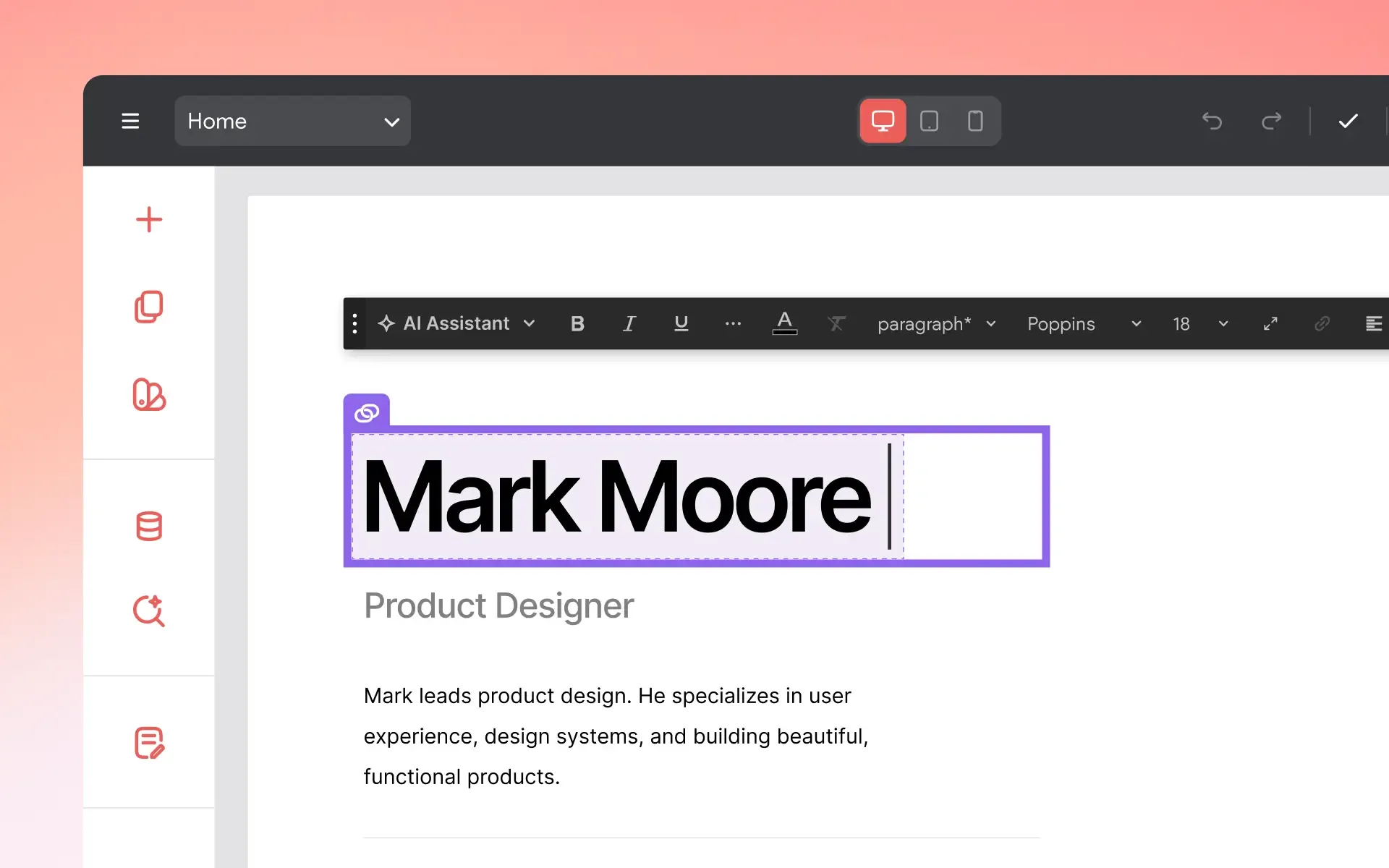
Connected text and images can now be edited directly on the canvas without opening the collection or Content Library first.
Changes made on the canvas automatically update the connected data source, so the same content remains synchronized wherever it is used. Design settings are also maintained as the content changes, helping the edited content remain consistent with the typography and spacing you see on the canvas.
This feature is available when using Editor 2.0.
To Use:
Simply edit connected text or images directly on the canvas as you would other page content. Changes will also be applied to the connected data source.
Add Content From Multiple Files and URLs
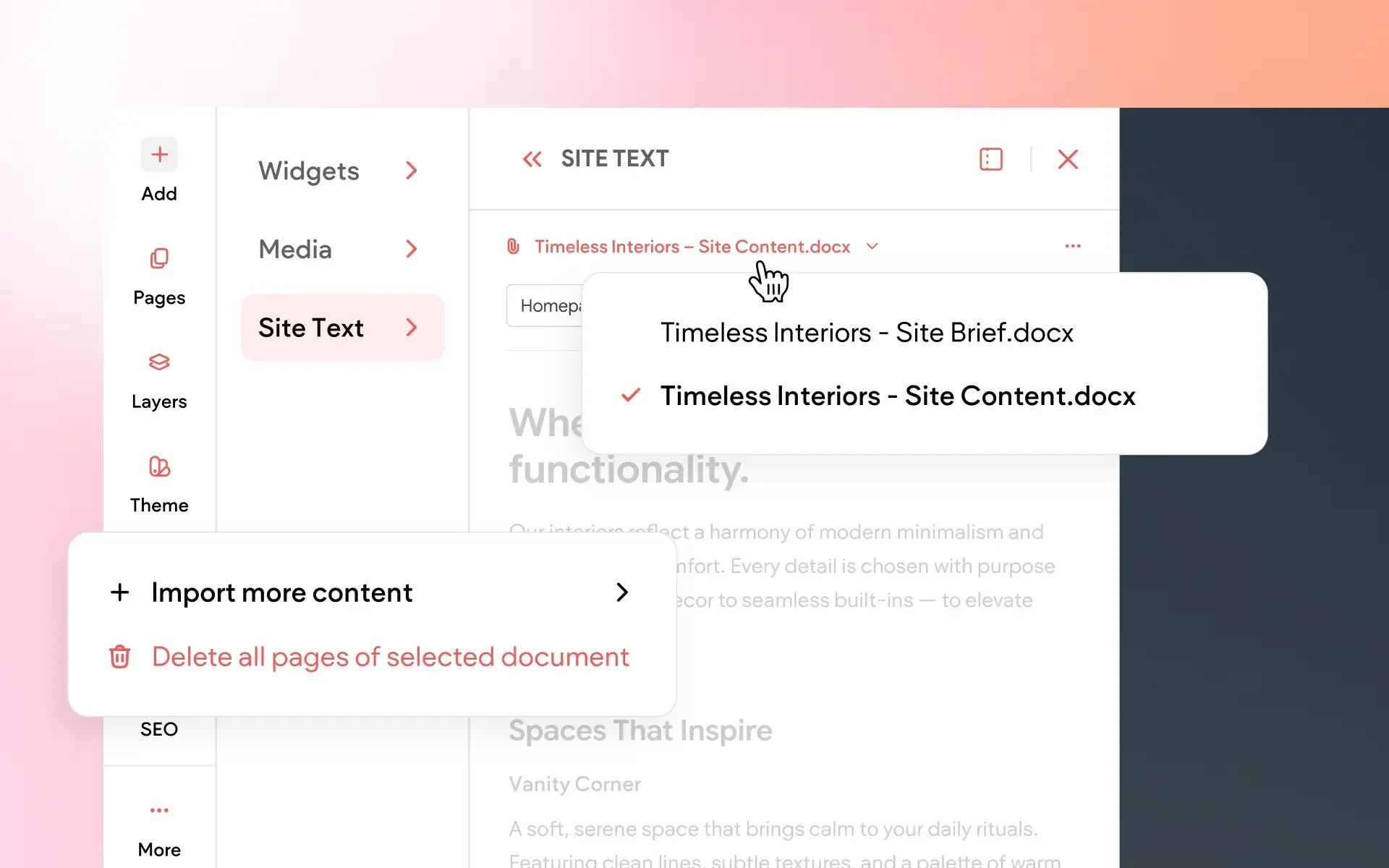
When importing content into the Site Text panel or Content Library, you’re no longer limited to a single source. Start with one file or URL, then continue adding content from additional sources without starting the import process over.
This feature is available when using Editor 2.0.
To Use:
Begin a content import with a file or URL, then add additional sources to the same imported content.
Generate Images with AI Directly in the Editor
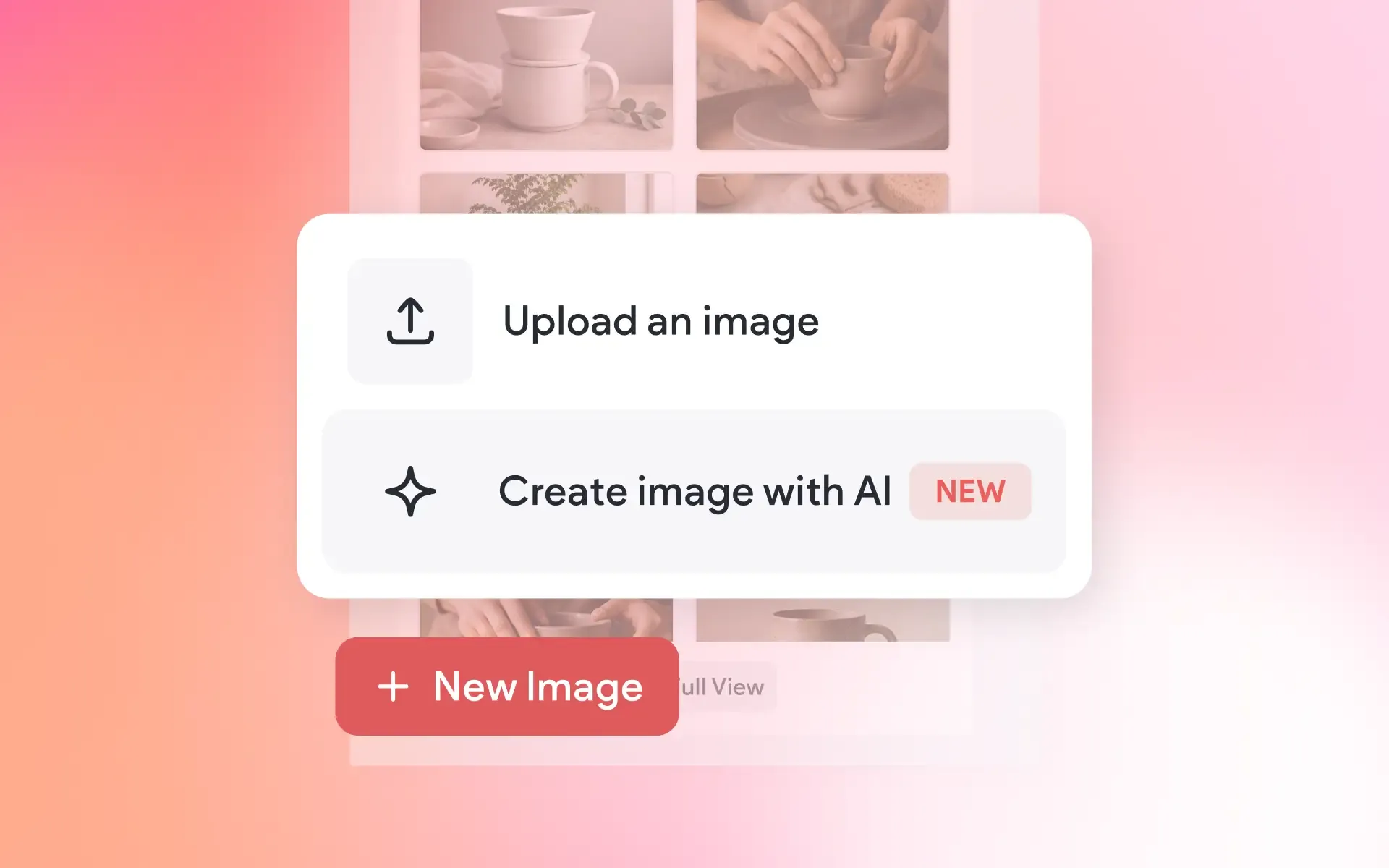
You can now generate custom images with AI directly inside the Without Code editor, eliminating the need to move between the editor and a separate image-generation tool.
AI image generation is available from many of the places where images are already managed, including image widgets, backgrounds, the Media panel, Media Manager, image settings, Advanced Accordion widgets, and List widgets. Enter a description of the image you need and generate it directly within your site-building workflow.
After generating an image, you can also revise your prompt, generate new variations, or reset the process and begin with a new concept.
This feature is available when using Editor 2.0.
To Use:
Click an image or background on your site, choose the AI image generation option, and enter a prompt. The option appears in supported image areas and widgets.
A Major Update to Site Personalization
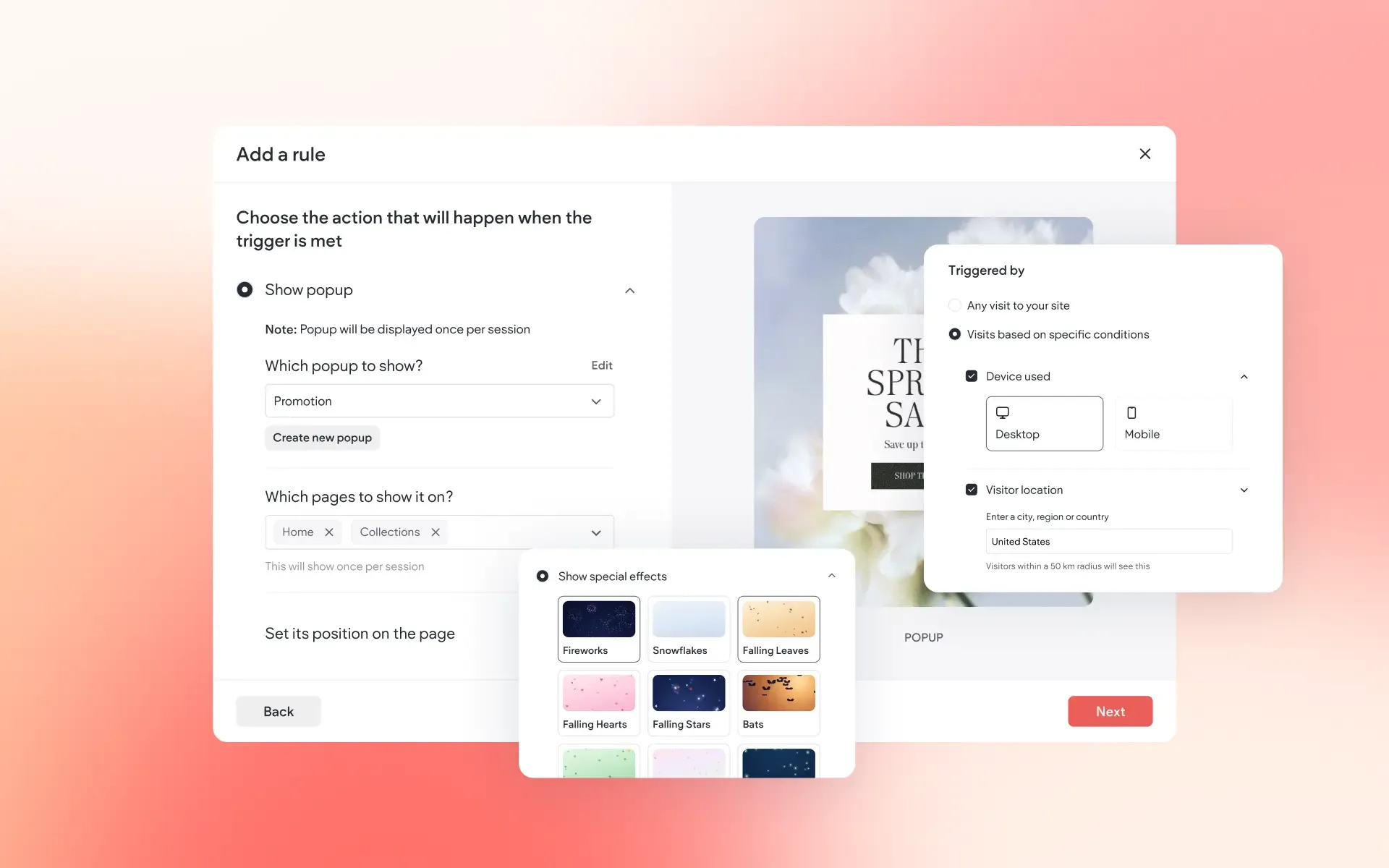
Site Personalization has been redesigned, along with several new options for controlling when and where personalization rules appear.
Among the new capabilities:
- Apply one rule across multiple pages, rather than setting up the same experience separately for each page.
- Control popup timing by displaying a popup immediately, after a specified delay, when a visitor is about to leave, or after they’ve scrolled a selected percentage of the page.
- Choose popup positioning for greater control over where it appears.
- Target by site language, allowing personalization rules to run only for selected languages on multilingual sites.
- Review rules from a new summary panel, with key settings and quick access to editing controls.
- Use new seasonal effects for occasions including Christmas, birthdays, summer, spring, and Pride.
The publishing workflow has changed as well. Personalization rules now go live after the rule has been saved and activated
and the site has been republished.
This feature is available when using Editor 2.0.
To Use:
Open
More (...) from the editor’s left panel and select
Site Personalization, then choose
Add Rule to create a new personalization rule.
Build and Manage More From One Place
These updates make it easier to bring content into a project, organize it, connect it throughout a site, and make changes without constantly moving between different tools and areas of the editor.
Whether you’re working with a large collection, building data-driven layouts, generating new imagery, or creating targeted visitor experiences, the latest Without Code updates give you more ways to manage the work directly where you’re already building.
More from Without Code